maybe tomorrow ill open the door Controls and sit prompts
The only mechanical fail in this Roblox room is refusing to sit.
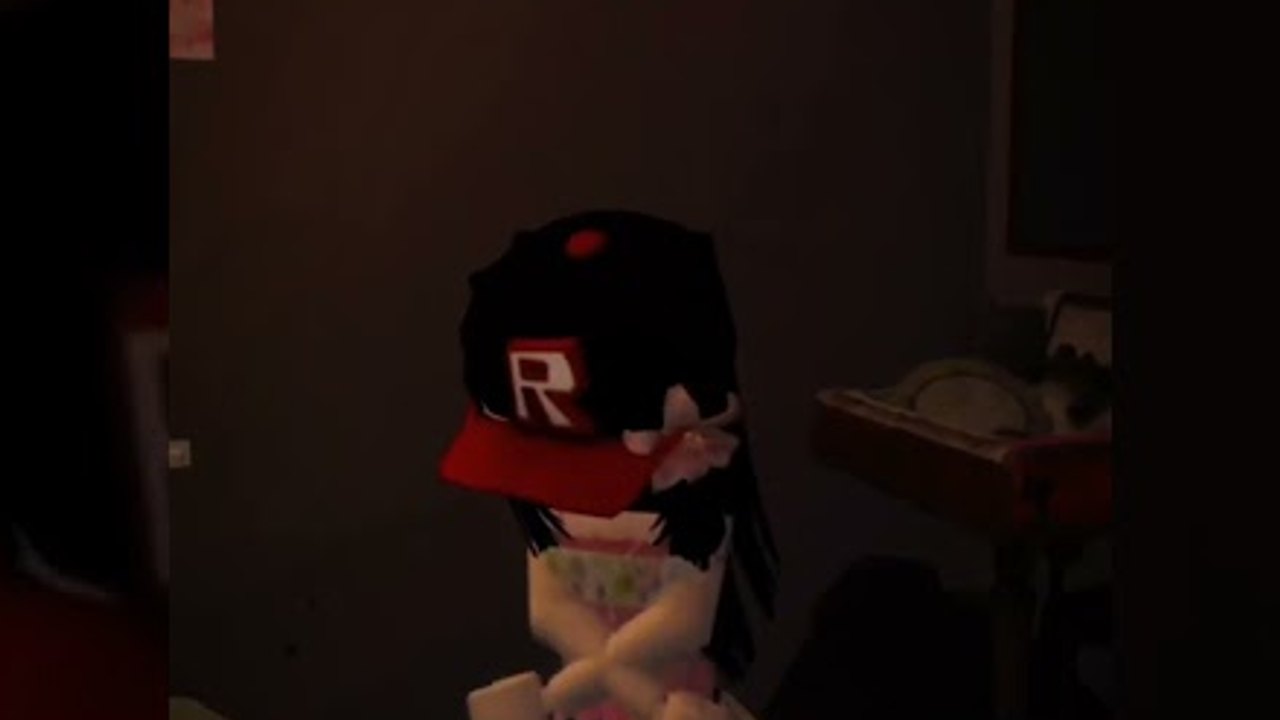
maybe tomorrow ill open the door uses default Roblox movement. There is no custom skill bar. The failures people report are camera, sit, and click hitboxes inside pink clutter. This page is the control sheet. Pair it with getting started and items.
Desktop
- Move: WASD or arrow keys.
- Look: mouse. Right mouse button if your Roblox camera is in classic mode.
- Jump: space. You rarely need it. The house is not an obby.
- Interact: left click on a highlighted prop.
- Sit: walk to the computer chair until the sit prompt appears, then click or press the sit bind your account uses (often space or a contextual button).
- Unsit: jump or the unsit button.
If click detectors feel tiny, raise graphics slightly so outlines render, then lower them again if the pink room tanks your frame rate. This is a single-player room. You are not competing for hitboxes.
Mobile
- Move: left thumb stick.
- Look: drag on the right side of the screen.
- Jump: jump button. Ignore it unless you are stuck on a bed collider.
- Interact: tap the prop. If the tap selects a poster instead of chips, zoom the camera.
- Sit: tap the sit icon when you are against the chair. This is the badge-critical action for the desktop minigames.
Shift lock is optional and mostly worse in a small bedroom. Dynamic thumb stick can help if you play one-handed in bed, which is on theme.
The sit prompt is the real boss
To: Player and the computer loop expect you to be seated. Standing clicks on the monitor are the number one miss in comments. If sit never appears, walk away, approach the chair from the front, and wait a second. Do not spam jump on the mattress hoping it counts as sit.
Clicking in clutter
The bedroom and kitchen are visually dense. Move the camera low for floor snacks and high for shelf NEEDOH. If you keep selecting wallpaper, tap slightly off the poster edge. The room checklist exists so you can hunt without remembering every prop.
Door clicks
The front door is a normal click detector with a bad attitude. One click may do nothing. Many clicks can jumpscare you and award I TOLD YOU NOT TO.. That is documented in how to open the door. There is no hold-to-charge.
Sleep input
The bed uses the same interact as snacks. The difference is the tired prompt. If you interact too early, you may only get a rest pose. Wait, then click again. Dream sequence covers the black screen that follows a valid sleep.
Accessibility notes
Fear rating is minimal. Still, mayo audio and the door jumpscare can spike. Lower Roblox volume before the fridge and before a trophy mash on the handle. There is no in-game photo mode or dedicated sensitivity slider beyond Roblox settings.
What you will not find
No sprint stamina, no crouch stealth, no emote wheel required, no gamepad-only puzzle. If a script claims it will “auto combo,” it is copy-pasted from a fighter. Auto-clickers only mash detectors; they cannot sit for you reliably. See auto-interact.
After controls feel fine
Run the walkthrough. Tick all badges. If Hello? is still missing, the issue is the parents’ room phone, not your keybinds.
Camera height is half the interact map
Floor snacks hide under the duvet edge. Shelf NEEDOH sits above standing eye line. If a click selects a poster, tilt down or up one notch instead of walking in circles. The room checklist is built around that pan. Shift lock fights the small room; turn it off if the cursor cannot hit a chip bag.
This experience has been live since 26 July 2026 and stays single-player. Controls will not grow a raid UI. When @up2lt patches sit or tired prompts, changelog will note it. Until then, sit, click, wait, sleep.
Frequently Asked Questions
Quick answers pulled from the same bedroom this wiki maps.
Why can't I play the computer games?
You are probably standing. Use the chair sit prompt, then click the desktop. Walkthrough places this before sleep.
Is there a unique control scheme?
No. Standard Roblox move, look, and interact. Sit is the only extra prompt that matters.
Does mobile miss badges?
No, if you can sit and tap props. Hitboxes are the same. Use the items list if taps hit posters.
Should I use shift lock in the bedroom?
Usually no. The room is small and shift lock makes poster clicks worse. Free look is enough.